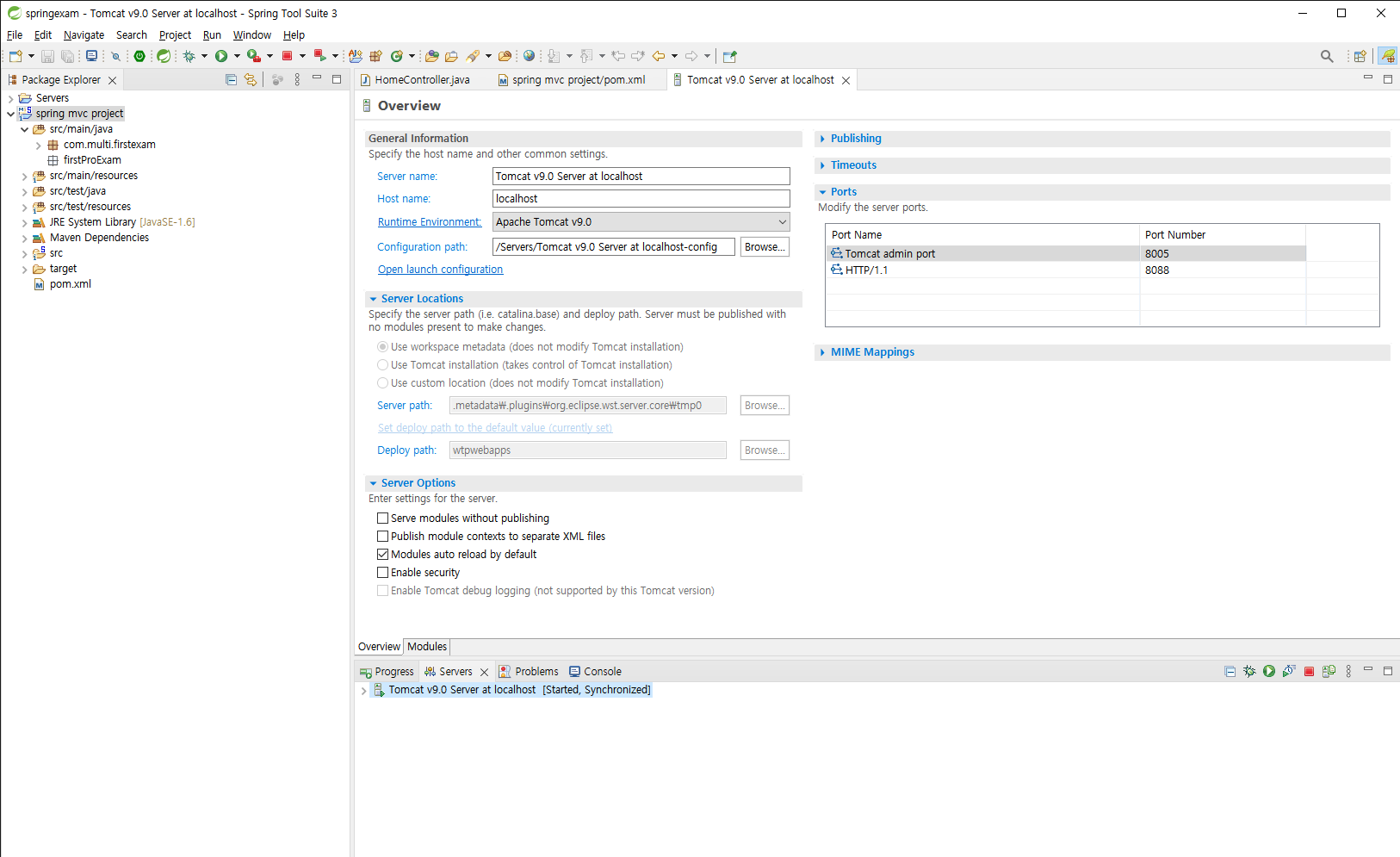
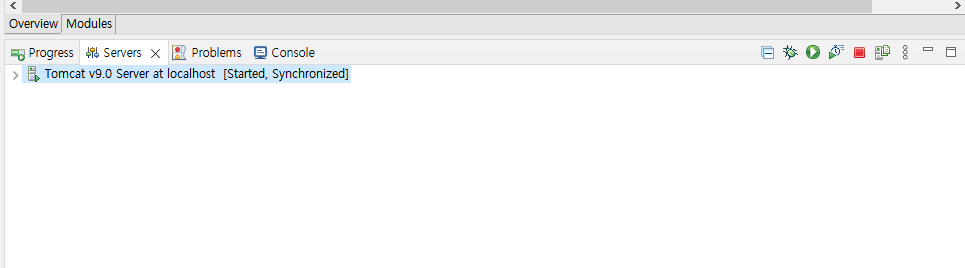
1. 프로젝트 우클릭 - Build Path - Configure Build Path - Libraries - Class Path - Add External Jars - 2. Servers탭의 new server - Apache - 버전 선택 - Browser - 톰캣 파일 경로 설정 - next - 프로젝트 연결 Add - finish 3. Window - Perferences - Server - Runtime Enviroments - Add - Apache - 버전 선택 - Browser - 톰캣 파일 경로 설정 - next - 프로젝트 연결 Add - Apply and Close 4. 서버 생성 확인, port 바꾸기 Servers탭에 생성된 서버 더블클릭하여 파일 열기 - Tomcat admin ..